My translations
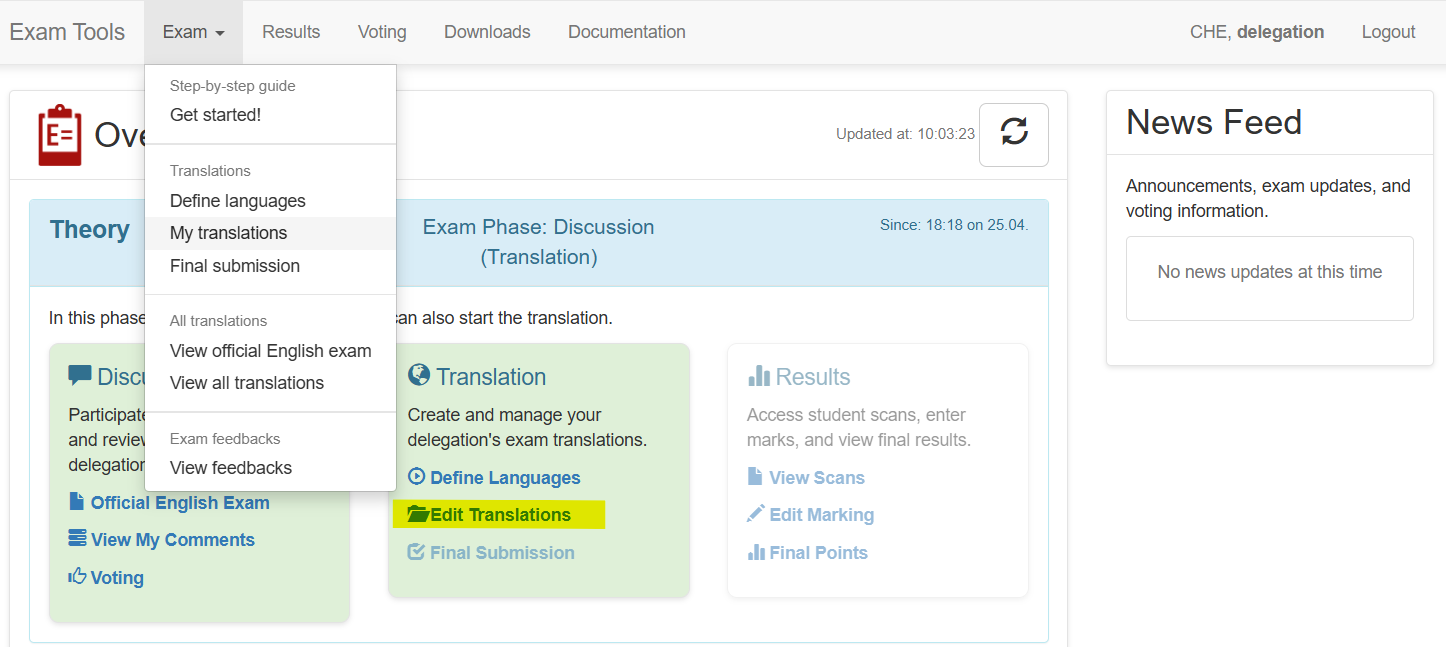
Overview of translations
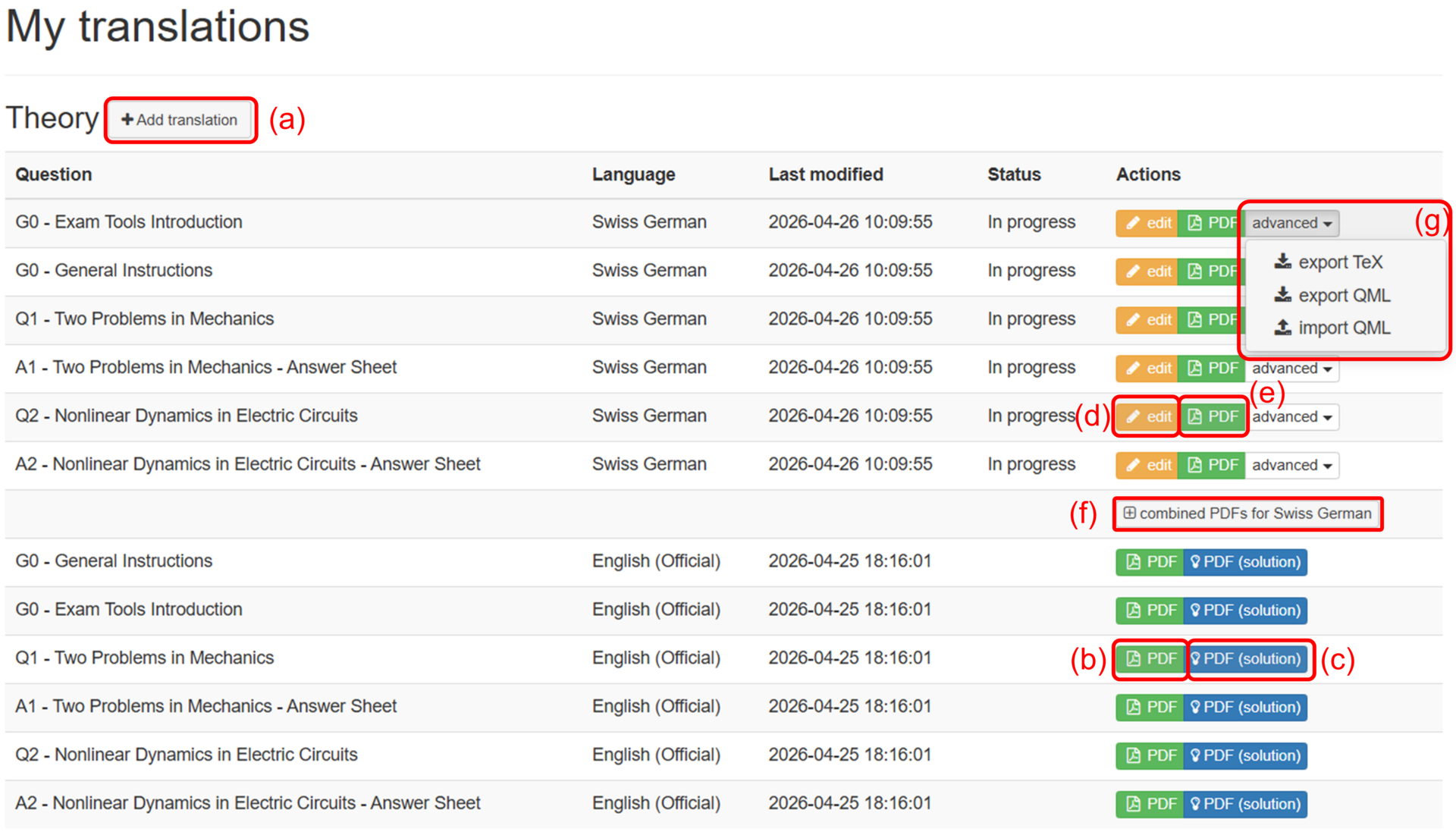
On the overview page you can add new translations (a), see (in read-only mode) the official version of the questions (b) and solutions (c) if available, edit your translations (d) and see their printable version (e), generate PDF for complete exam (f). You can export into TeX and/or QML, import QML in advanced settings (g).
Add new translation
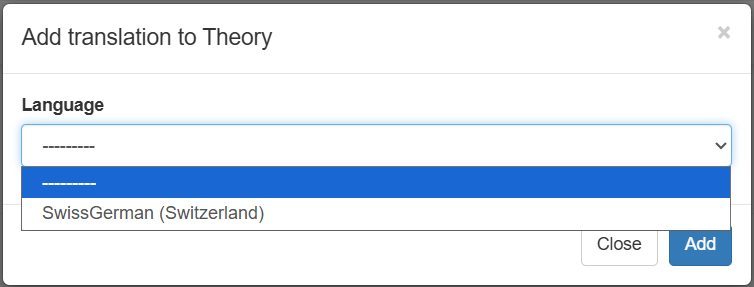
With the Add translation you start the translation of an exam in one of your languages. When clicking on the button, you get the following panel.